Learn How to Use onOne Software

Find hundreds of hours of training and tutorial content, showing how you can get the most out of your onOne Software products.

Browse through the list, use the Filter drop-down menu, or the Search box to find the training videos that match your needs.

Filter:  

Most Recent Video Tutorials

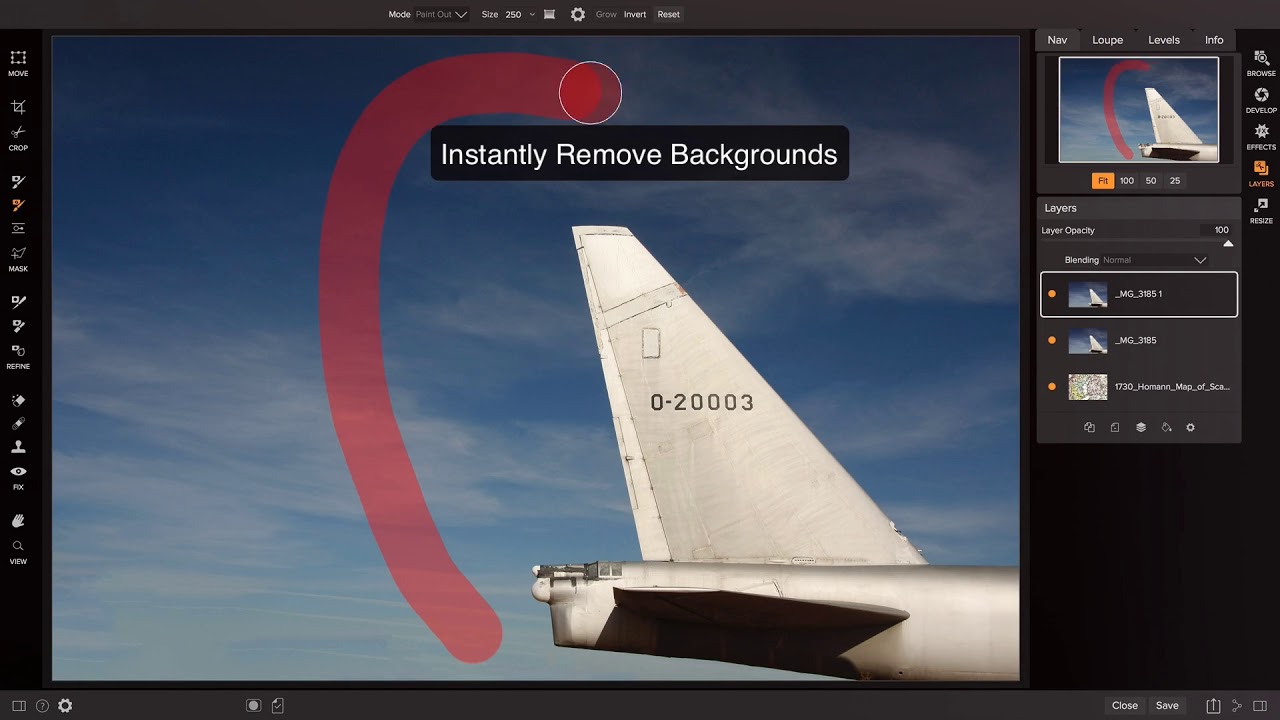
Perfect Mask

Mask basic and difficult images using different techniques

Run Time: 0:50:00

Bob Campbell's recorded webinar walks you through how to mask basic images and more difficult images using different techniques in Perfect Mask 5. Learn how to use the most important techniques for masking certain types of... Read more »

Screen-Shot-2013-02-14-at-4.15.18-PM

Using The Clone Brush

Run Time: 0:01:27

This video will walk you through how to use the Clone Brush in Perfect Photo Suite 7.

Screen-Shot-2013-02-14-at-4.14.59-PM

Using the Red Eye Reduction Tool

Run Time: 0:00:51

This video outlines how to use the Red Eye Reduction Tool found in Perfect Layers 3 and Perfect Portrait 2.

PE4F-QuickTour.mov

Perfect Effects 4 Free - Quick Tour

Run Time: 0:08:22

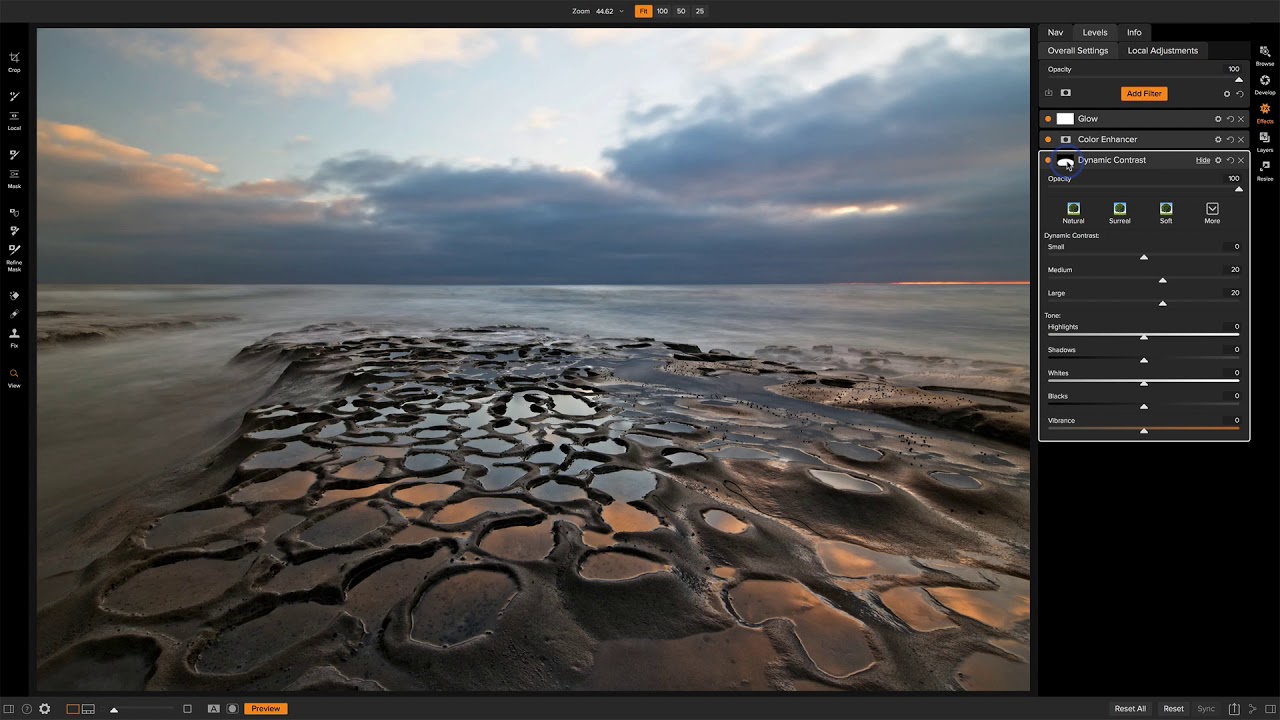
This video goes through the tools and user interface of Perfect Effects 4 Free.

PE4F-Masterpiece.mov

Perfect Effects 4 Free - Masterpiece Minute

Run Time: 0:02:34

In this video, Brian will go through a quick workflow showing how he uses Perfect Effects 4 free to easily stylize his image.

PEF4-Launching.mov

Perfect Effects 4 Free - Launching From Lightroom, Aperture, Photoshop and Standalone

Run Time: 0:02:22

This video outlines how to launch Perfect Effects 4 Free from Lightroom, Aperture, Photoshop and as a Standalone.

Screen-Shot-2012-12-26-at-4.12.58-PM

Perfect Resize 7.5 - Batch Processing

Run Time: 0:02:41

This video will walk you through how to use batch processing to resize multiple images simultaneously using Perfect Resize 7.5 Standalone or Perfect Photo Suite 7.

Perfect-Layers-3---Using-The-Crop-and-Trim-Tools

Perfect Layers 3 - Using The Crop and Trim Tools

Run Time: 0:01:14

This video outlines how to use the Crop and Trim Tools in the Layers Home module to keep the parts of the image that you want to work with.

Perfect-Layers-3---Using-The-Retouch-Brush

Perfect Layers 3 - Using The Retouch Brush

Run Time: 0:01:19

In this video, you'll learn the benefits of using the Retouch Brush to remove dust spots and scratches and even do basic portrait retouching.

Perfect-Layers-3---Using-The-Masking-Brush-and-Masking-Bug

Perfect Layers 3 - Using The Masking Brush and Masking Bug

Run Time: 0:04:16

This video outlines how to use the Masking Brush and Masking Bug to create beautiful composites with multiple images.