
ON1 Effects
Photo Effects Software Plugin
New Version 2023.5 - Now Available

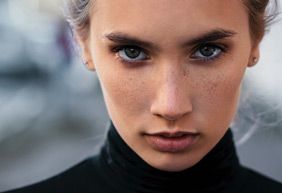
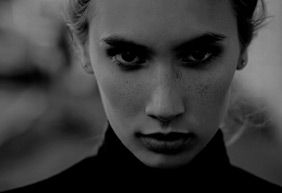
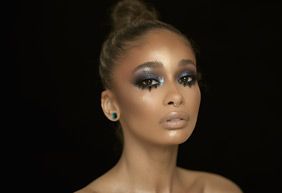
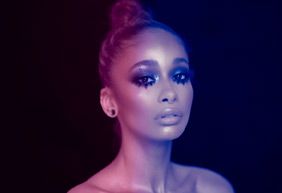
Get the Hottest Looks & Styles in Seconds with ON1 Photo Effects Software
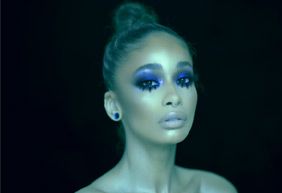
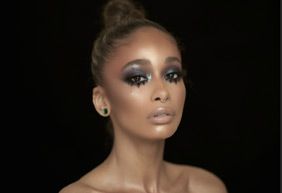
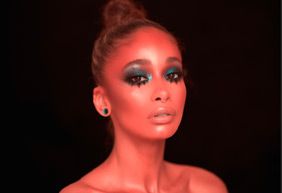
We've curated hundreds of the most popular looks, styles, and photo effects seen throughout the industry. With ON1 Effects 2023.5, you use one of the best pieces of photo retouching software on the market to get professional results in seconds without making complex edits. Our team of experts curated the trendiest looks with amazing new one-click presets. Our ON1 Effects 2023.5 photo effects software works on Mac and Windows and can be used as a standalone application or as a plugin for Adobe Lightroom, Photoshop, Capture One, Affinity Photo, and Corel Paint Shop Pro.
The Ultimate Photo Effects Software Plugin
What's New in Our Effects 2023.5 Photo Retouching Software?
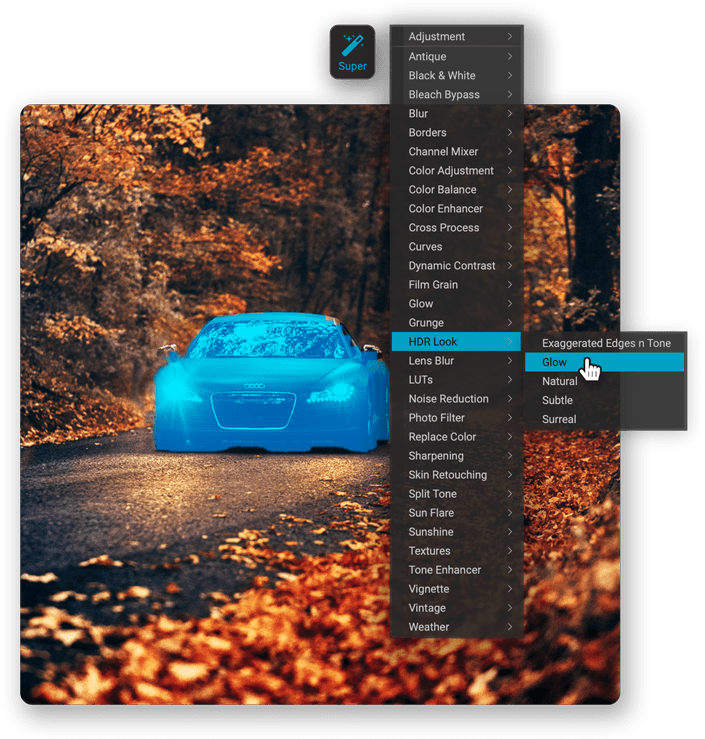
Super Select AI Tool
Applying adjustments to areas in your photos couldn’t be easier than the new Super Select AI Tool. Just tap on the areas you want to adjust and then pick an adjustment. Want the sky darker? Click-click, and it’s done. How about making the grass greener? Click-click, and it’s done. Want to blur the background? You get the idea. It’s an incredibly fast and natural way to work that completely changes how you interact with your photos.
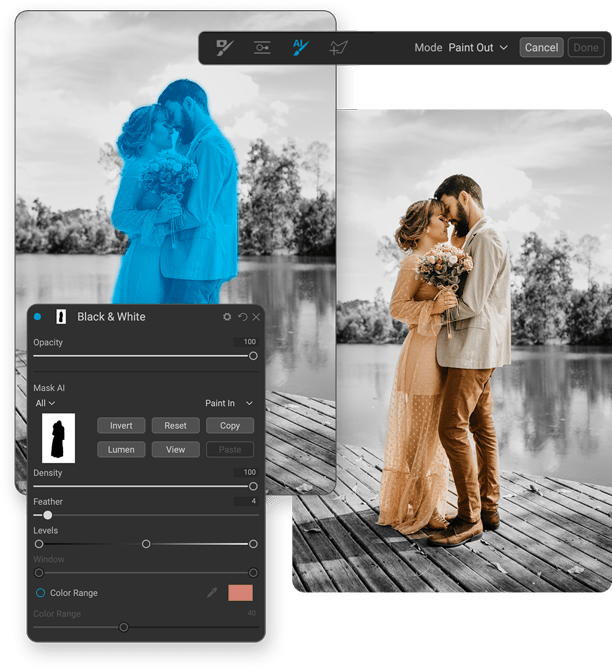
Mask AI
Say goodbye to tedious brushing. Mask AI uses state-of-art machine learning to segment photos, identifying objects like people and animals and regions like the sky, mountains, trees, water, and ground. You can select subjects or regions from the list when masking layers, effects, or local adjustments. Mask AI will create great-looking masks instantly. You can even choose regions to apply photo filters or adjustments to when you add them, making it easy to get the adjustment you want.
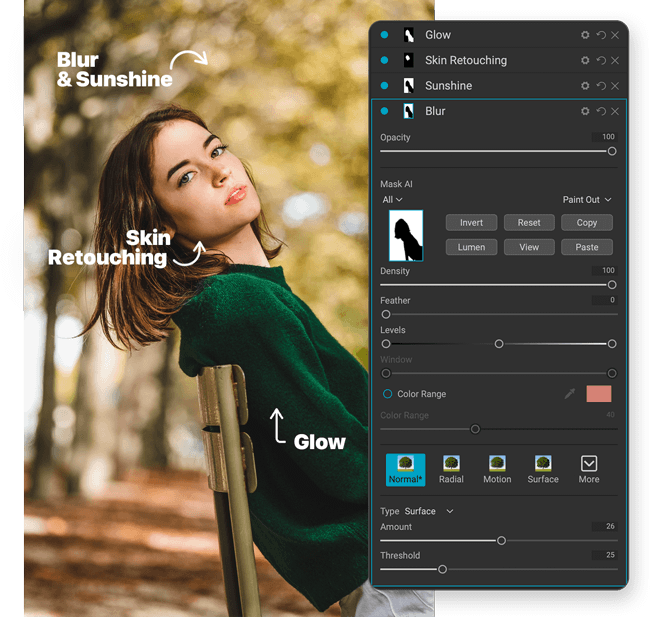
AI Adaptive Presets
Presets just got even more powerful. Now they can automatically target common subjects like people, water, skies, and buildings. The awesome new AI Adaptive presets give you one-click solutions to tough problems like brightening the subject, darkening the sky, or adding detail to foliage. Best of all, you can create your own AI Adaptive presets.
And MORE!
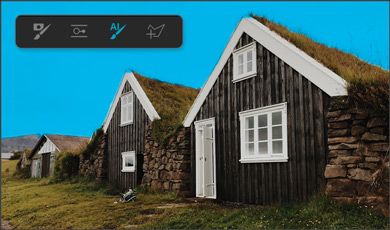
Quick Mask AI
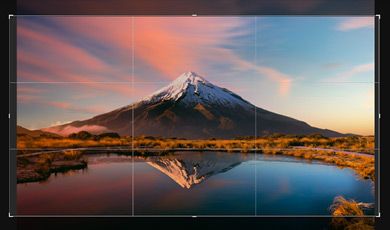
Content-Aware Crop
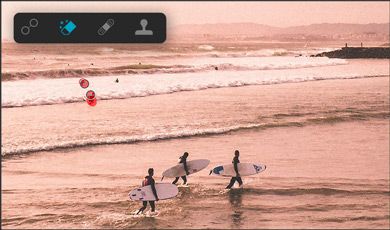
Improved Perfect Eraser


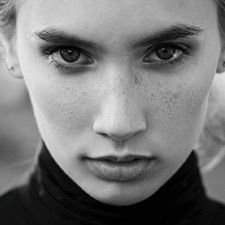

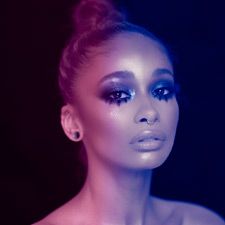
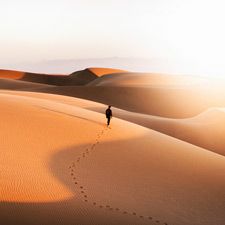


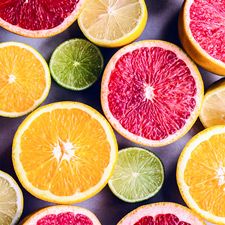






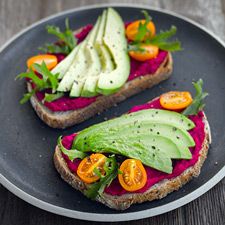


Stack Effects
Combine multiple effects to create any possible look. Includes 27 stackable filters and hundreds of presets, borders, and textures.
Tone Enhancer

Textures

Black & White

Every possible effect you need to create any look for your photos.
Stack EffectsColor Enhancer

Textures

Vignette

Live previews help you find the perfect look without lifting a finger.
Stack EffectsColor Adjustments

HDR

Textures

Smooth adjustments and powerful tools will streamline your creative process.
Stack Effects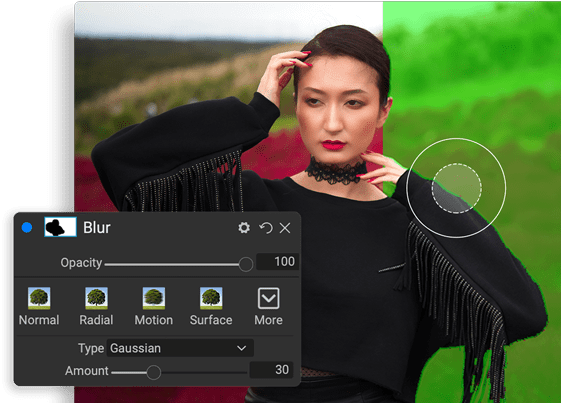
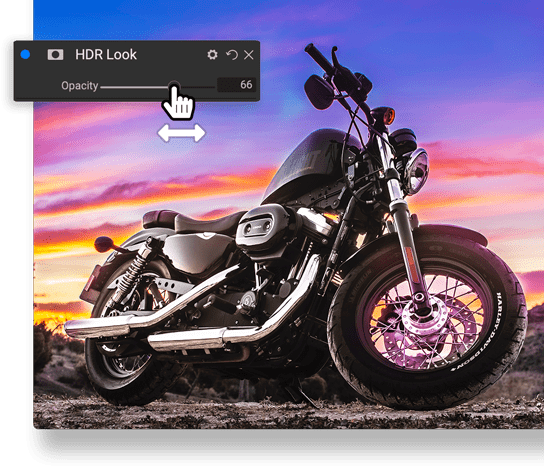
Create and Save Your Own Presets
Once you've made your adjustments, you can save your preset for quick access later.
Build Presets
Save Presets
Enjoy Presets
Create Any Look or Style
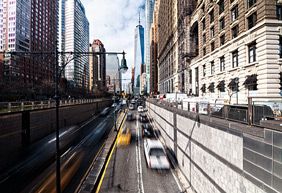
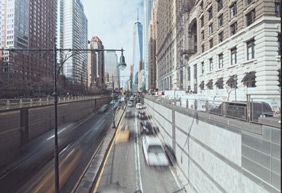
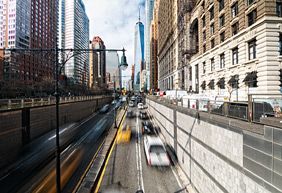
You completely control every edit you make. You can dial in every setting to your taste with instant previews!
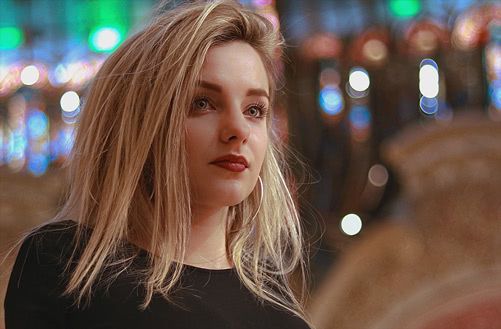
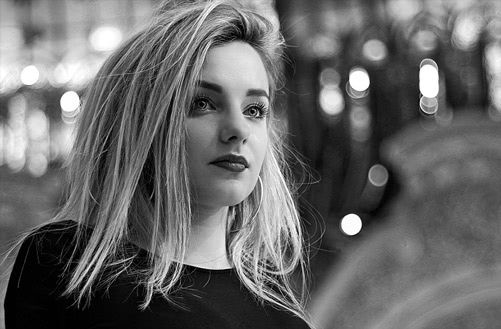
Black & White
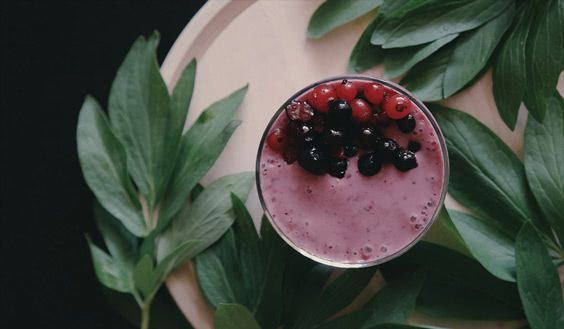
Instant Film


Landscape


Color Twist

Plugin to Your Workflow
ON1 Effects is the perfect fit for almost any workflow. Get amazing retouching results in seconds when using ON1 Effects as a plugin for:
- Adobe Photoshop
- Adobe Lightroom Classic
- Adobe Photoshop Elements
- Apple Photos
- Affinity Photo
- Capture One
- Corel Paintshop Pro
Effects 2023.5 Requirements
| Operating System | macOS 10.15.6 and above Windows 10, 11 (current maintenance releases, 64 bit only) | |
| Processor | Intel® or AMD processor with 64-bit support; 2 GHz or faster processor with SSE 4.2 or later or Apple Silicon | |
| RAM | 8 GB | |
| Hard Drive | 2 GB for installation | |
| Graphics | Windows - DirectX 12, DirectML, Vulkan 1.1, and OpenGL 4.2 compatible video card with 2GB VRAM, 1920x1080 resolution (at 100% scale factor) macOS - Metal, Vulkan 1.1, and OpenGL 4.2 compatible video card with 2GB VRAM, 1920x1080 resolution (at 100% scale factor) | |
| Optional Integration | Photoshop CC 2020 and above Photoshop Elements 2020 and above Photoshop Lightroom Classic 2020 and above Apple Photos Affinity Photo Corel Paint Shop Pro 2019 and above Capture One 10 and above | |
| Internet | A high-speed internet connection and active account for activation, auto-update checking, content downloads, and tutorials. | |
| Supported Options | Supports pressure-sensitive tablets for controlling brush size and/or opacity Supports ICC/ICM profiles for camera input, display, soft-proofing, and printing. Hardware display calibration tool is recommended | |
| Supported Languages | English, German, Spanish, French, Japanese, Korean, Simplified Chinese, Russian, Portuguese, Italian, Dutch | |
Buy or Subscribe Today!Buy and own ON1 Effects 2023.5 outright, or subscribe for all current and future ON1 apps and first-class benefits. ON1 Photo RAW 2024.3 includes Effects (with newly added features for 2024) built-in and all other apps in a single editor. The MAX Edition works as a plugin or standalone app.
Choose How You Want to Buy ON1 Effects:

ON1 Effects 2023.5
Works as a standalone app or plugin.
On Sale!
On Sale!
FullFor New Customers
UpgradeFor ON1 Owners
Includes all ON1 Effects 2023 version updates and activation on 2 computers

ON1 Photo RAW MAX 2024.3 + Creative Bundle
Own it. Works as a standalone app or plugin.
On Sale!
On Sale!
FullFor New Customers
UpgradeFor ON1 Owners
Includes all v2024 updates and activation on 3 computers.

ON1 Photo RAW 2024.3 + Creative Bundle
Own it. Works as a standalone app.
On Sale!
On Sale!
FullFor New Customers
UpgradeFor ON1 Owners
Includes all v2024 updates and activation on 2 computers.
Best Value

ON1 Everything Plus
Subscription
On Sale!
Prepaid YearlyBest Value
Billed MonthlyMost Flexible
Includes all major version updates, all major future upgrades, new apps, & activation on 5 computers
What's Included:

ON1 Photo RAW MAX 2024.3

ON1 Plugins & Standalones

ON1 Cloud Sync - 1 TB

ON1 Plus Membership

ON1 Everything
Subscription
On Sale!
Prepaid YearlyBest Value
Billed MonthlyMost Flexible
Includes all major version updates, all major future upgrades, new apps, & activation on 2 computers
What's Included:
ON1 Photo RAW MAX 2024.3
ON1 Plugins & Standalones
ON1 Cloud Sync - 200 GB
| ON1 Everything Plus Subscription | ON1 Everything Subscription | ON1 Photo RAW MAX Own It Outright | ON1 Photo RAW Own It Outright | |
|---|---|---|---|---|
ON1 Photo RAW 2024.3 Fully integrated ON1 apps inside Photo RAW: Browse, Develop, Effects, Resize AI, NoNoise AI, Portrait AI, HDR, Sky Swap AI + Tons of New Features! | ||||
ON1 Photo RAW MAX 2024.3 With the MAX version, you can use Photo RAW and each of its features (Develop, Effects, NoNoise AI, Resize AI, Portrait AI, HDR) as plugins for Lightroom, Photoshop, Capture One, Affinity, and Apple Photos | ||||
ON1 Individual Plugin & Standalone Apps For launching ON1 from Lightroom, Photoshop, etc. Includes Sky Swap AI, Resize AI, Effects, NoNoise AI, Portrait AI, and HDR | Add-On | Add-On | ||
All Future Major Upgrades to Photo RAW & Individual Apps Get every major upgrade in the future for all ON1 apps | ||||
All Future New ON1 Software Products Any new ON1 app released is included | ||||
ON1 Cloud Sync Storage Connect your photos in ON1 Photo RAW on Desktop to Mobile devices | 1 TB storage | 200 GB storage | 200 GB storage | |
ON1 Plus Membership Full Access to all ON1 Plus Content–Video Library, Creative Library, Video Courses, Loyalty Rewards, and more | Add-On | Add-On | Add-On | |
Software Activations Activations for each title on macOS and Windows | 5 | 2 | 3 | 2 |
30 Day Money-Back Guarantee Love it or get your money back, no questions asked |



ON1 Photo RAW - Version 2024.3
Fully integrated ON1 apps inside Photo RAW: Browse, Develop, Effects, Resize AI, NoNoise AI, Portrait AI, HDR, Sky Swap AI, + Tons of New Features!
ON1 Photo RAW MAX - Version 2024.3
With the MAX edition, you can launch Photo RAW and each feature as a plugin from inside Photoshop, Lightroom, Apple Photos, Affinity, and others. Plugin functionality includes Develop, Effects, NoNoise AI, Resize AI, Portrait AI, and HDR.
ON1 Plugins & Standalones
Each of these apps, Sky Swap AI, Effects, NoNoise AI, Portrait AI, Resize AI, and HDR, are also included in ON1 Photo RAW. If you want to launch Sky Swap AI, Effects, NoNoise AI, Portrait AI, Resize AI, and HDR apps from Lightroom, Photoshop, etc, you will need the plugins.

ON1 Cloud Sync Storage
With an ON1 Everything Plus subscription plan, you get 1 TB of ON1 Cloud Sync storage which lets you send your photos and edits across your computers with ON1 Photo RAW and mobile devices with ON1 Photo RAW for Mobile.
ON1 Cloud Sync Storage
Includes 200 GB of ON1 Cloud Sync storage which lets you send your photos and edits across your computers with ON1 Photo RAW and mobile devices with ON1 Photo RAW for Mobile.

ON1 Plus Membership
40+ in-depth courses, Full access to Creative Library, Video Library, Bonus Loyalty Rewards, and more!

The ON1 Guarantee
No Risk • No Questions Asked • 30-Day Money-Back Guarantee • World Class Support • Tons of Free Training Videos