Tutorials

Why Plug-ins?

Photoshop is an incredibly feature-rich image editor that has the power to do anything you want. There are just two problems. First - do you know how to get what you want out of Photoshop? Second - do you have the time to do it in Photoshop? Regardless of your answer, plug-ins for Photoshop can help you accomplish what you want easier, faster and better than just using traditional tools alone. Learn more about how Photoshop plug-ins can help you.

onOne Software Tutorials

Tutorials can be viewed in either QuickTime or Flash. We recommend you have the latest versions of QuickTime and Flash Player installed for optimal viewing.

Get QuickTime Player

Get Flash Player


Plug-In Suite 4 Videos

Suite 4 - See It In Action

Plug-In Suite 4

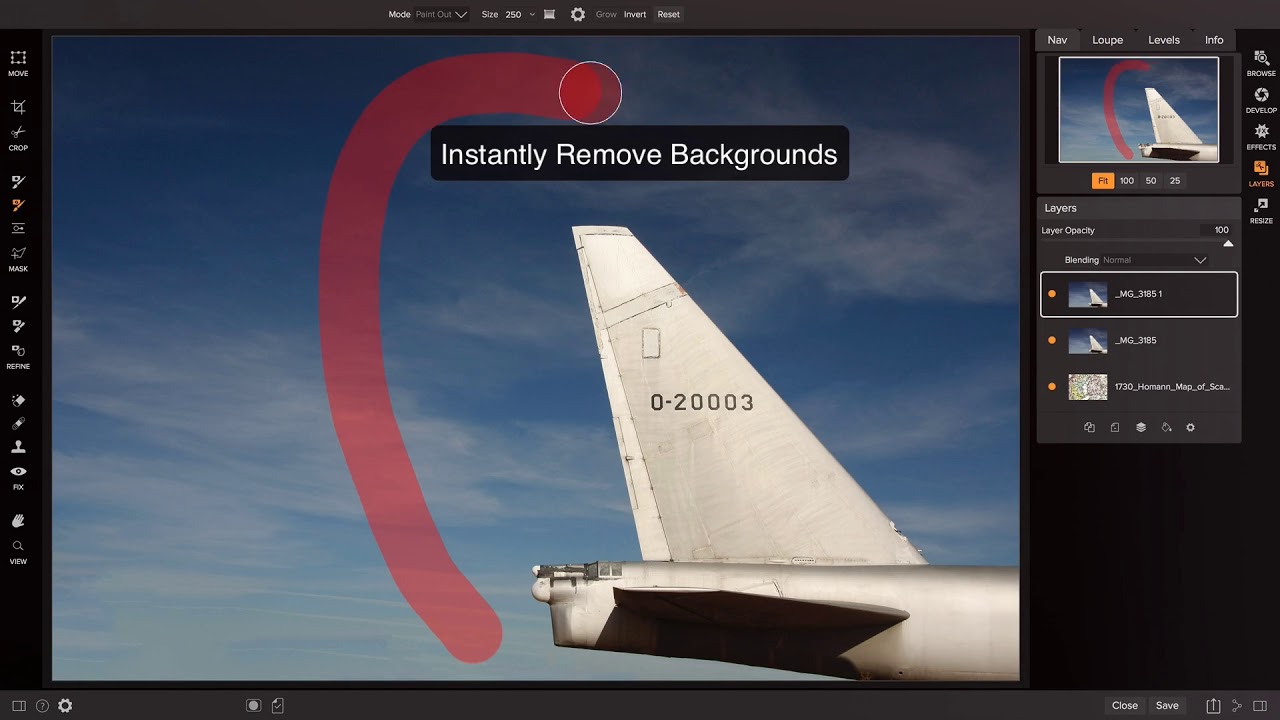
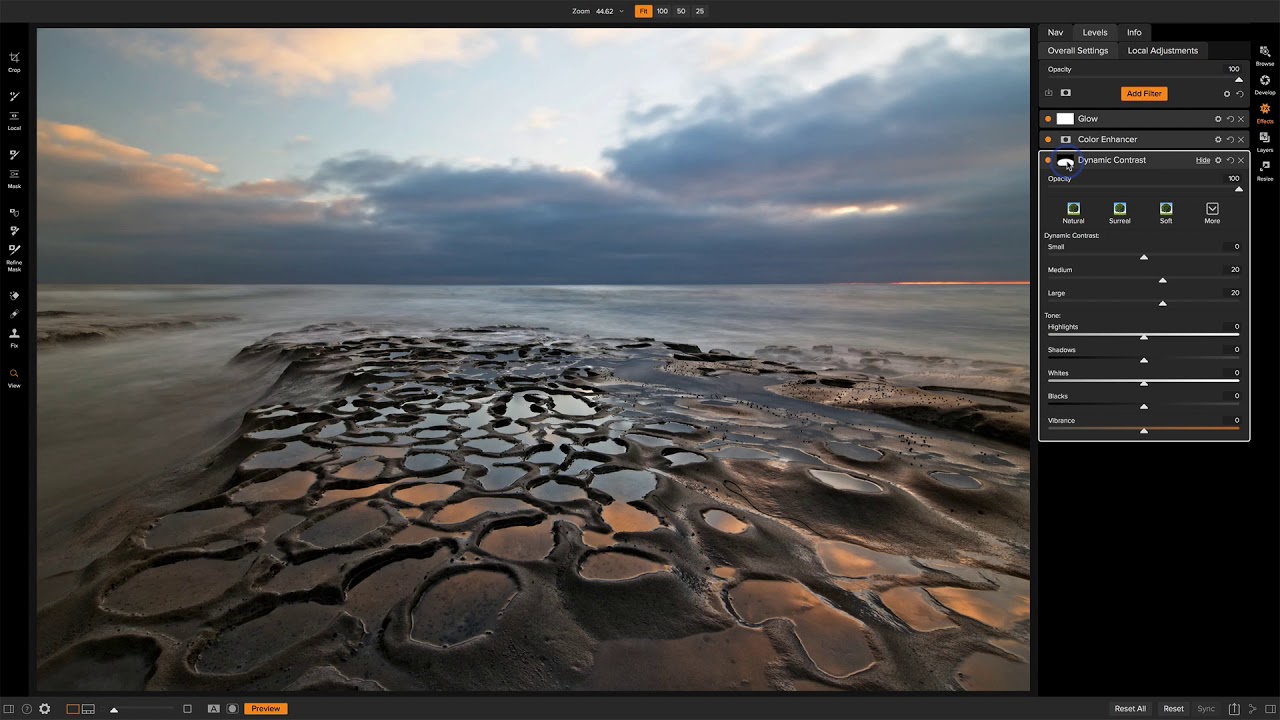
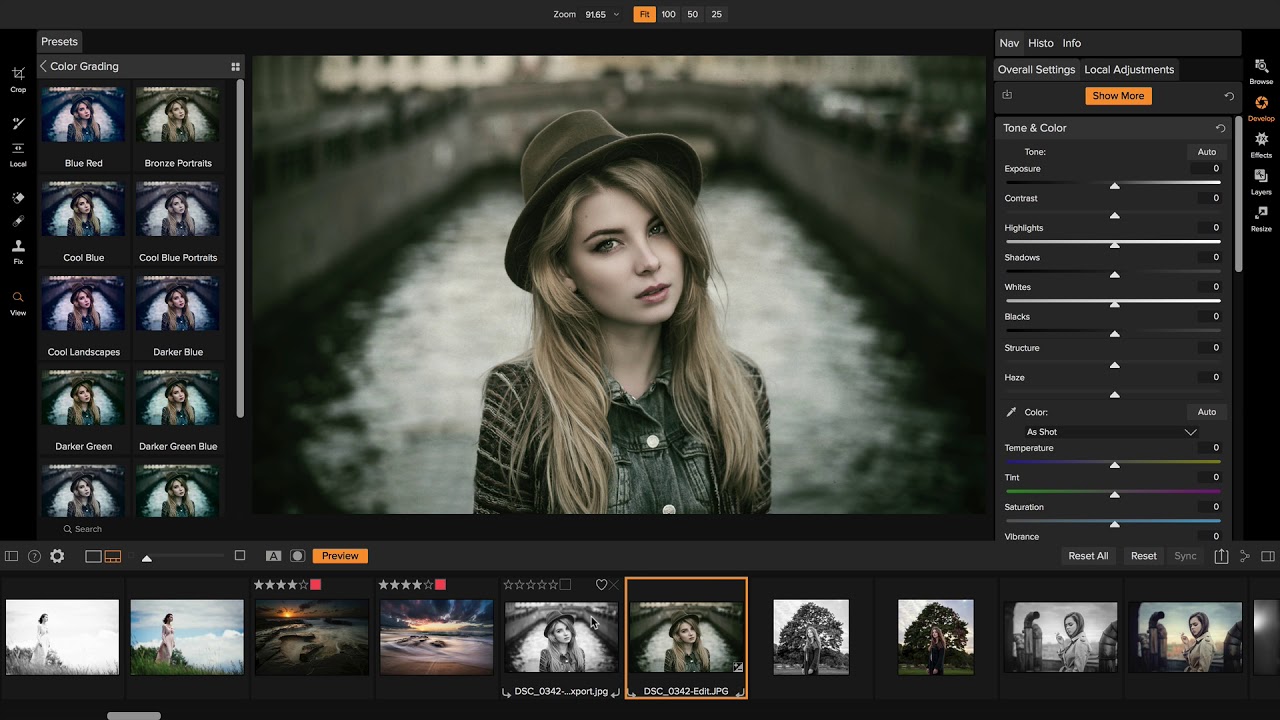
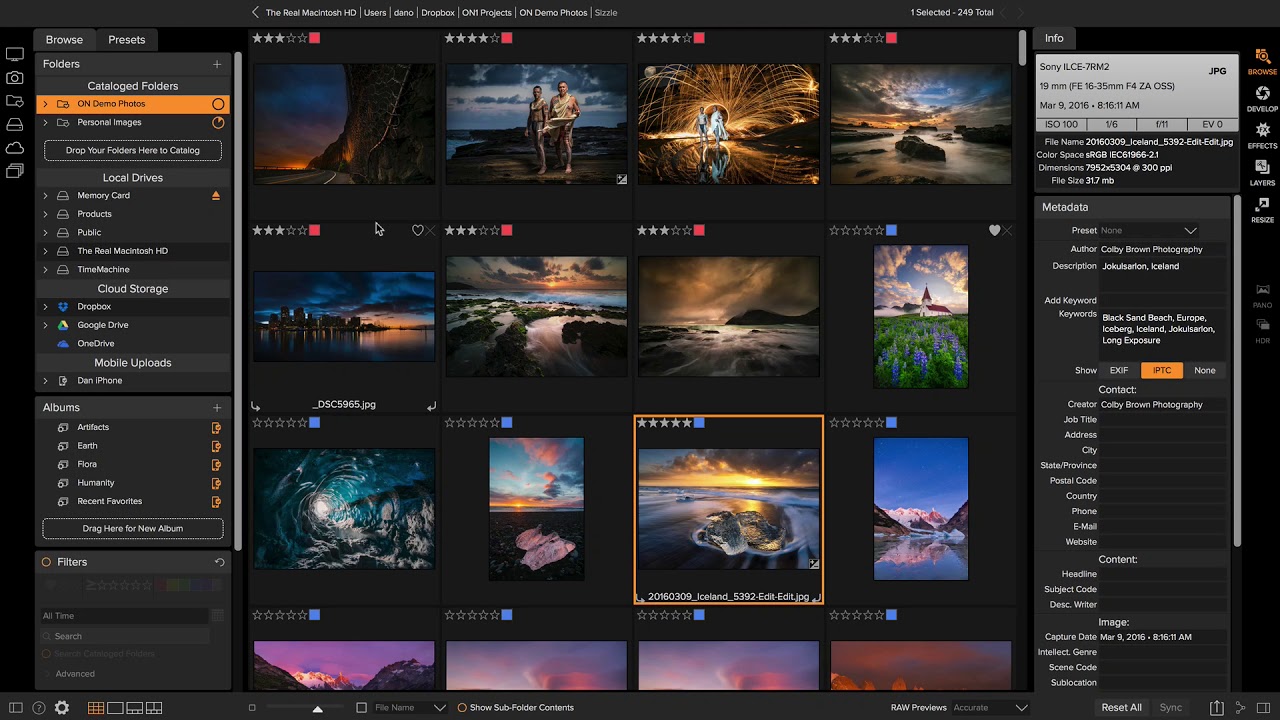
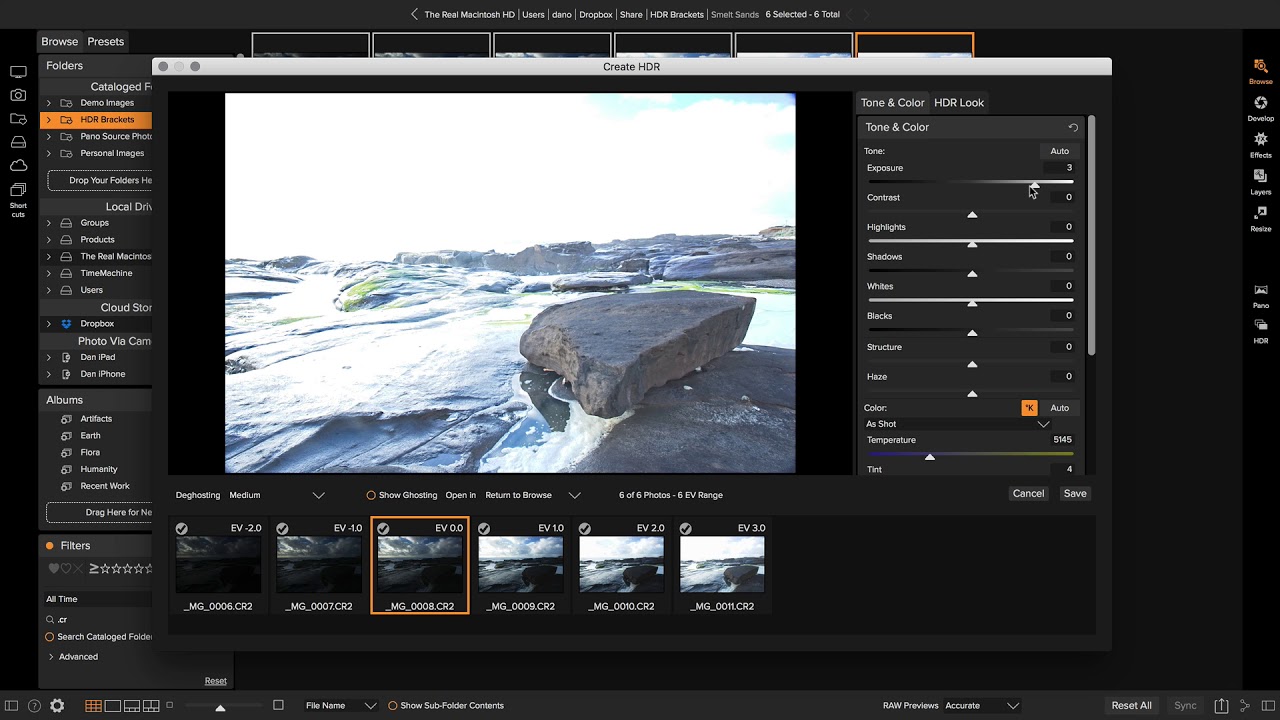
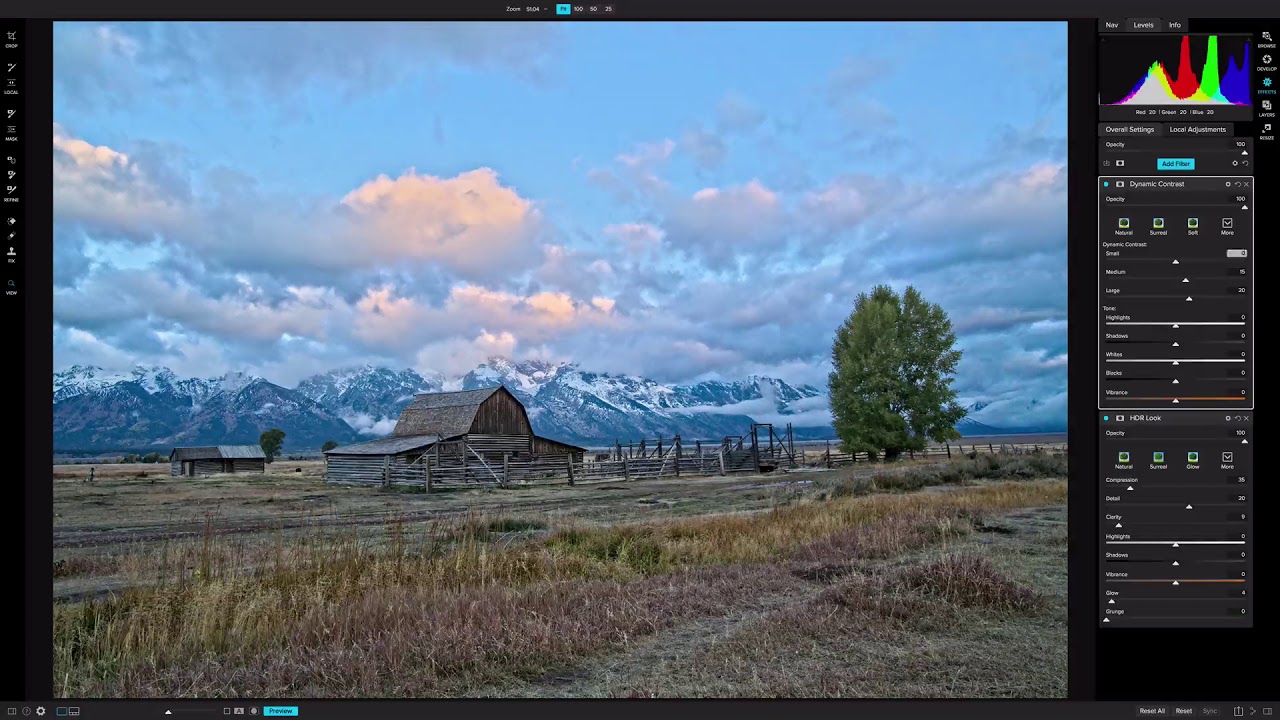
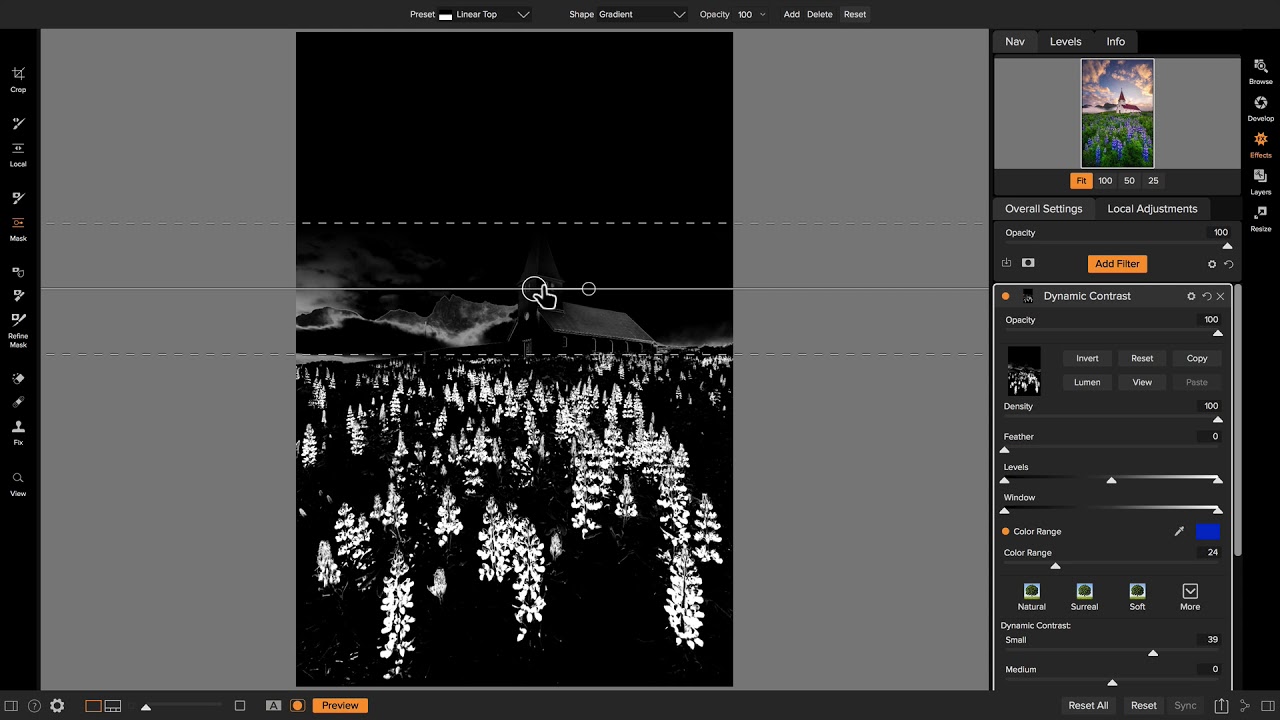
See Plug-In Suite 4 in action with this product overview video and learn how this collection of six award-winning plugins can help you maximize the power of Photoshop.

Full Video (19:16)   Flash QuickTime

Short Video (5:52)   Flash QuickTime

Suite 4 - Getting Started

Photoshop Plug-In Suite

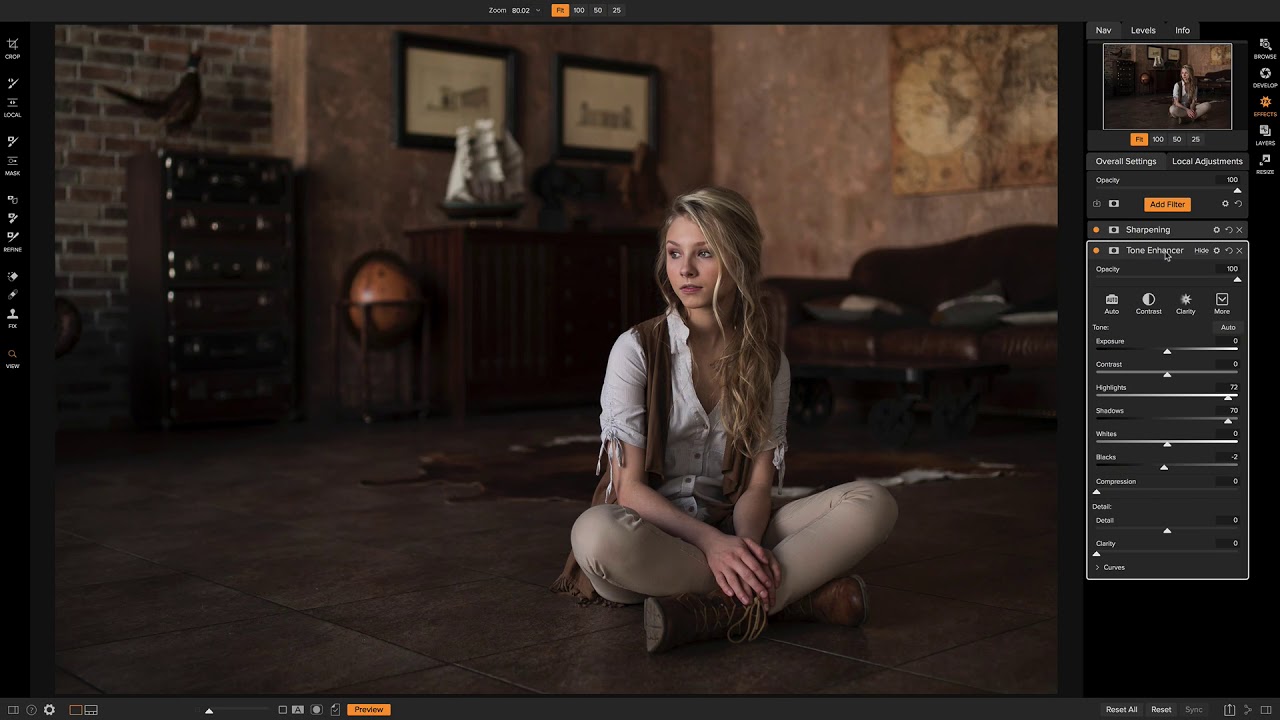
Get off to a fast start with Plug-In Suite 4 by watching this getting started tutorial.

Watch Now (4:43)   Flash QuickTime