Why Plug-ins?
Photoshop is an incredibly feature-rich image editor that has the power to do anything you want. There are just two problems. First - do you know how to get what you want out of Photoshop? Second - do you have the time to do it in Photoshop? Regardless of your answer, plug-ins for Photoshop can help you accomplish what you want easier, faster and better than just using traditional tools alone. Learn more about how Photoshop plug-ins can help you.
Customer Testimonials
"I bought Mask Pro a week ago and I am very impressed with it. Not only is it extremely powerful, it is also easy to use and surprisingly intuitive." — Stephen F.
I just wanted to thank you so much for taking the time and trouble to resolve my problem downloading Genuine Fractals 5. Your support, determination to solve my problem, and patience have been outstanding. Thank you again for your truly excellent service and superb products. — Keith G.
Most Popular
Plug-In Suite 4 - See It In Action
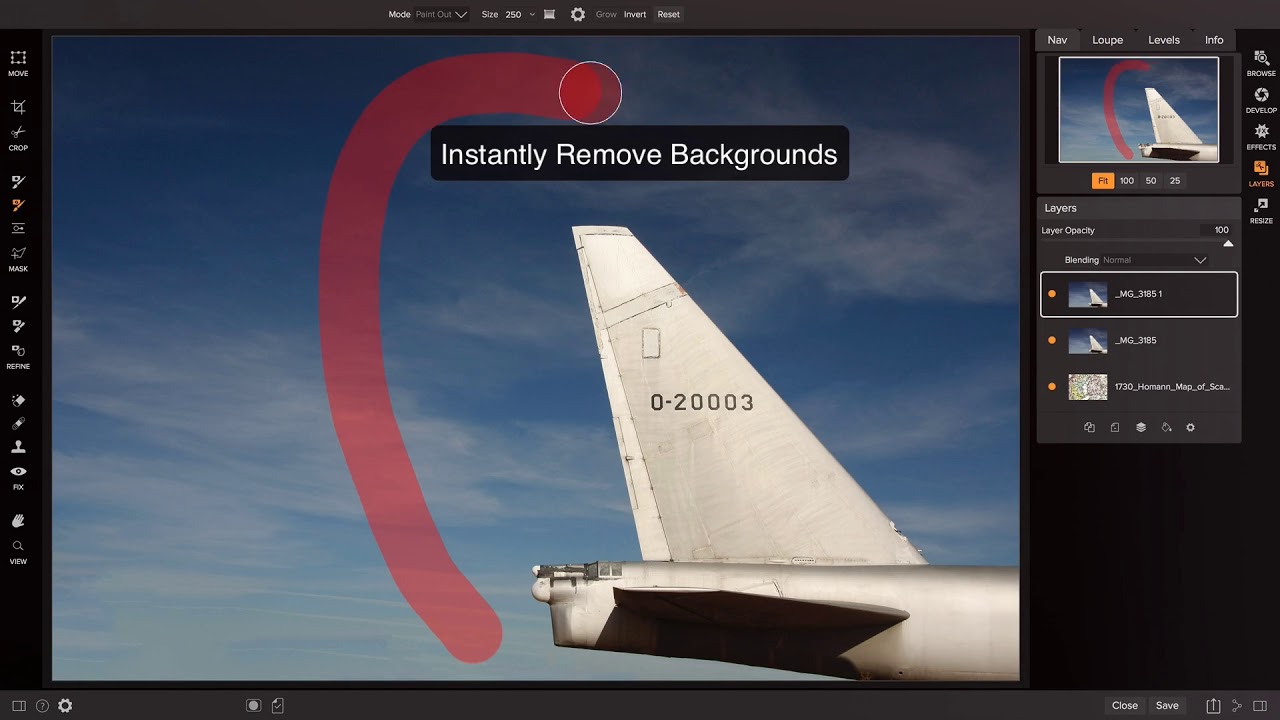
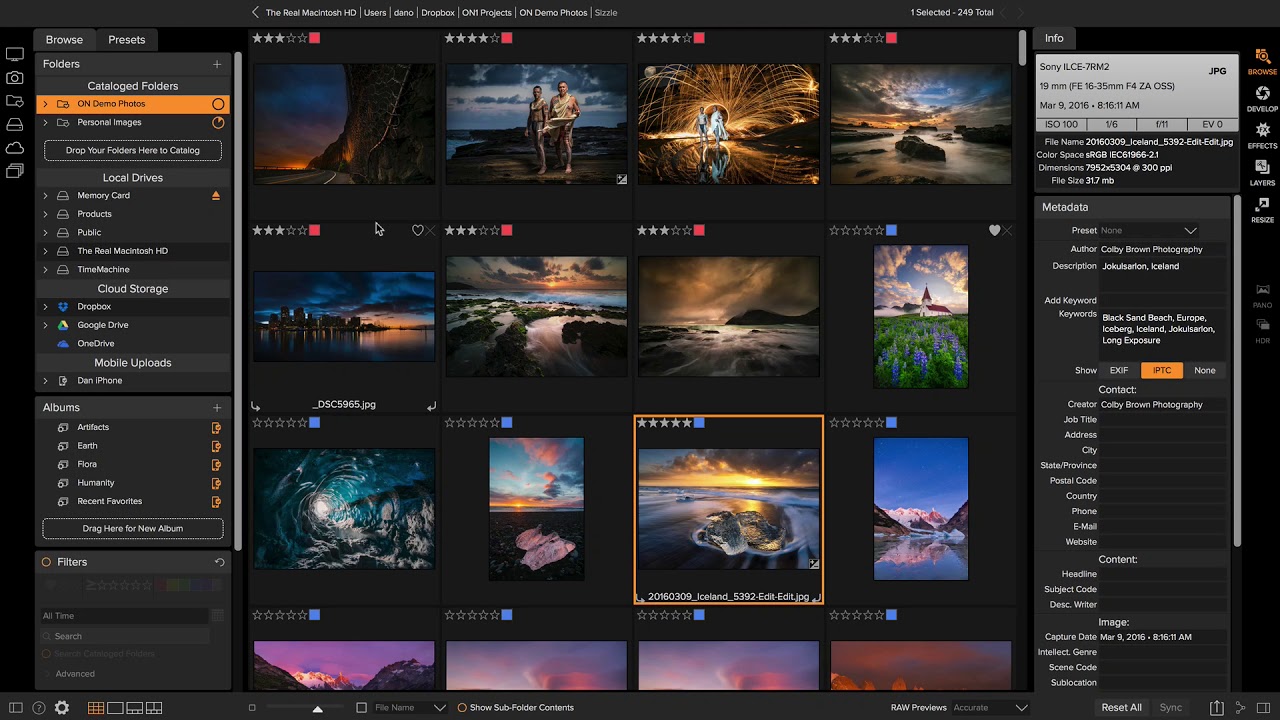
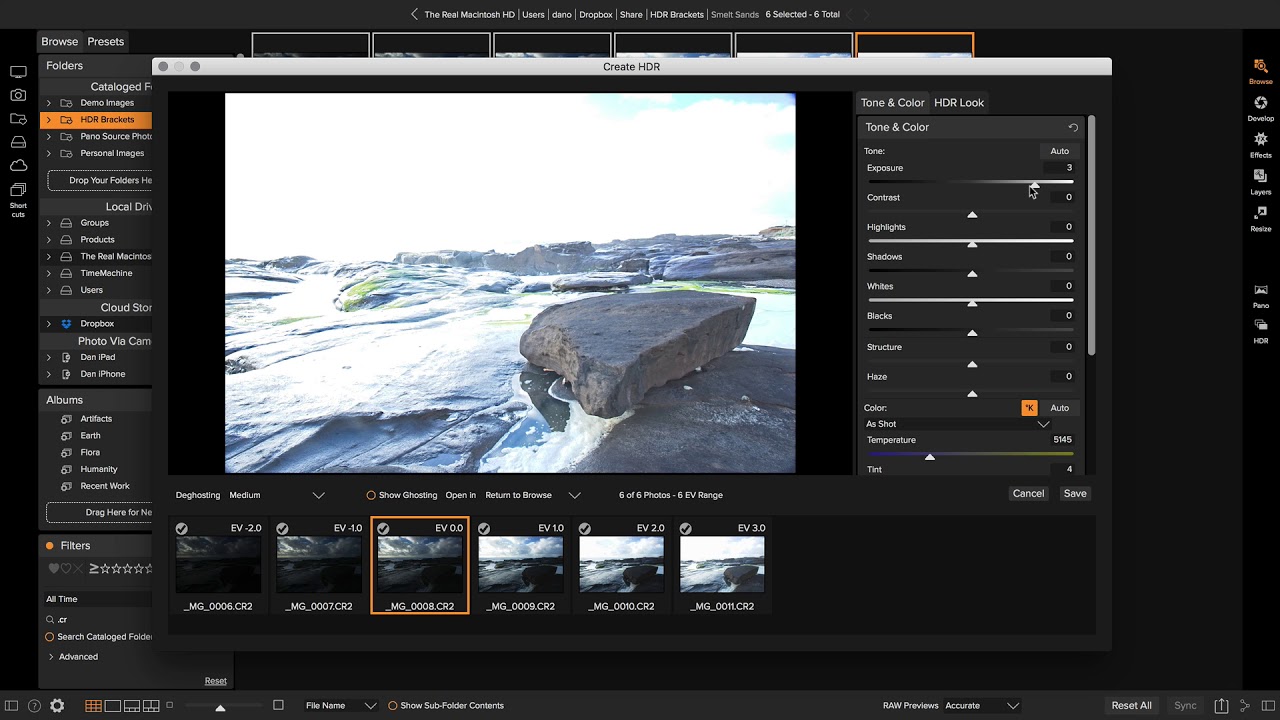
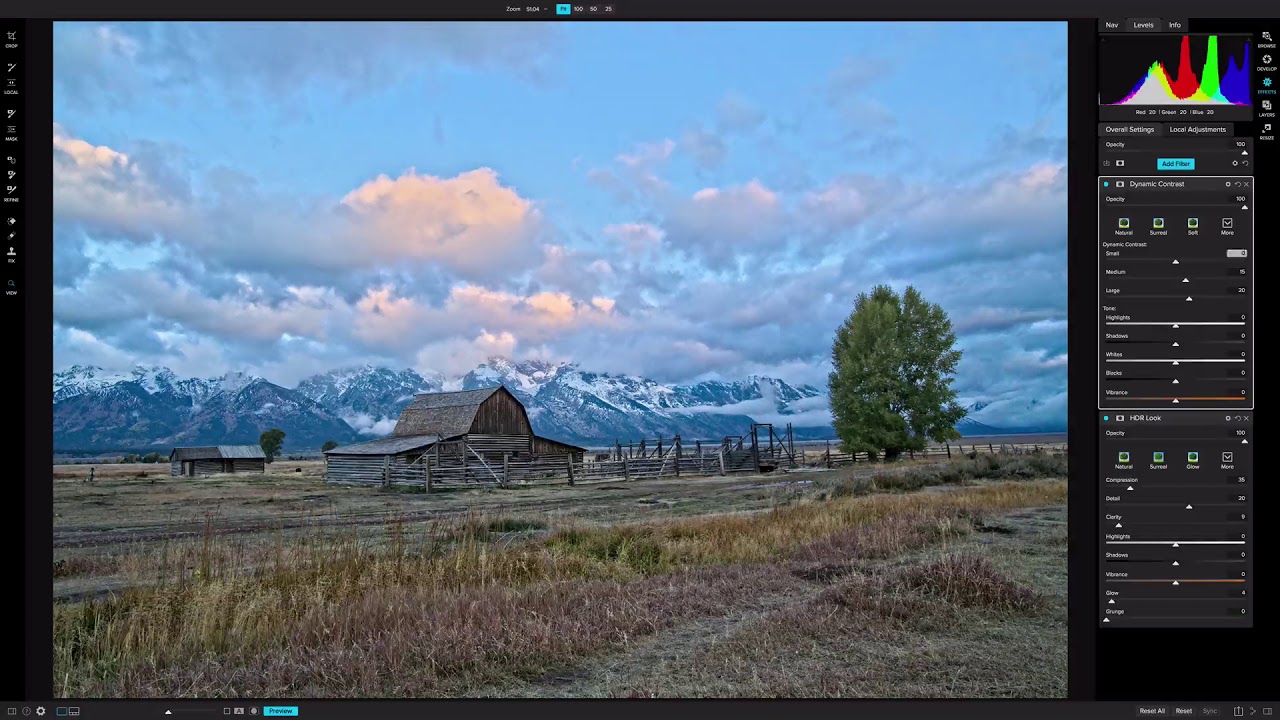
See Plug-In Suite 4 in action with this product overview video and learn how this collection of six award-winning plugins can help you maximize the power of Photoshop.
Getting Started with Mask Pro
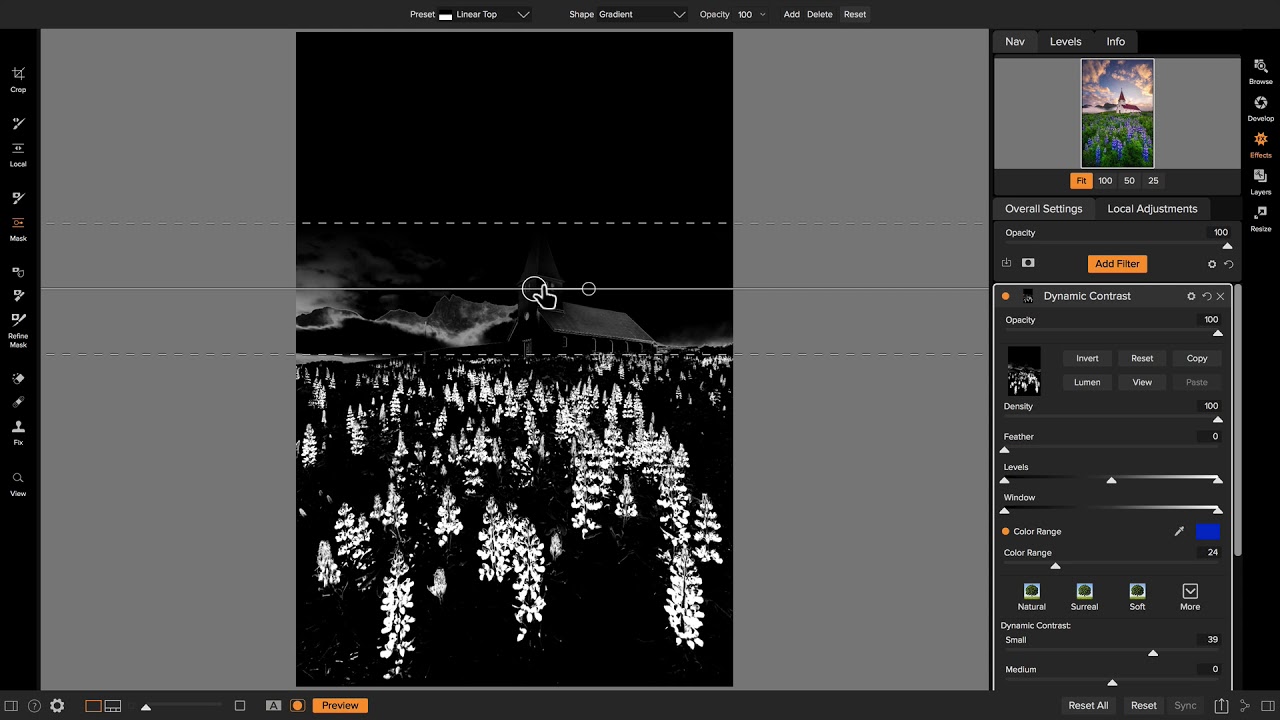
Start off on the right foot with this getting started tutorial. You'll learn the two types of tools that Mask Pro uses and when to use them. You'll also learn when to use Mask Pro in your workflow, how to set-up your files for proper previewing and how to launch Mask Pro.
PhotoTools Getting Started
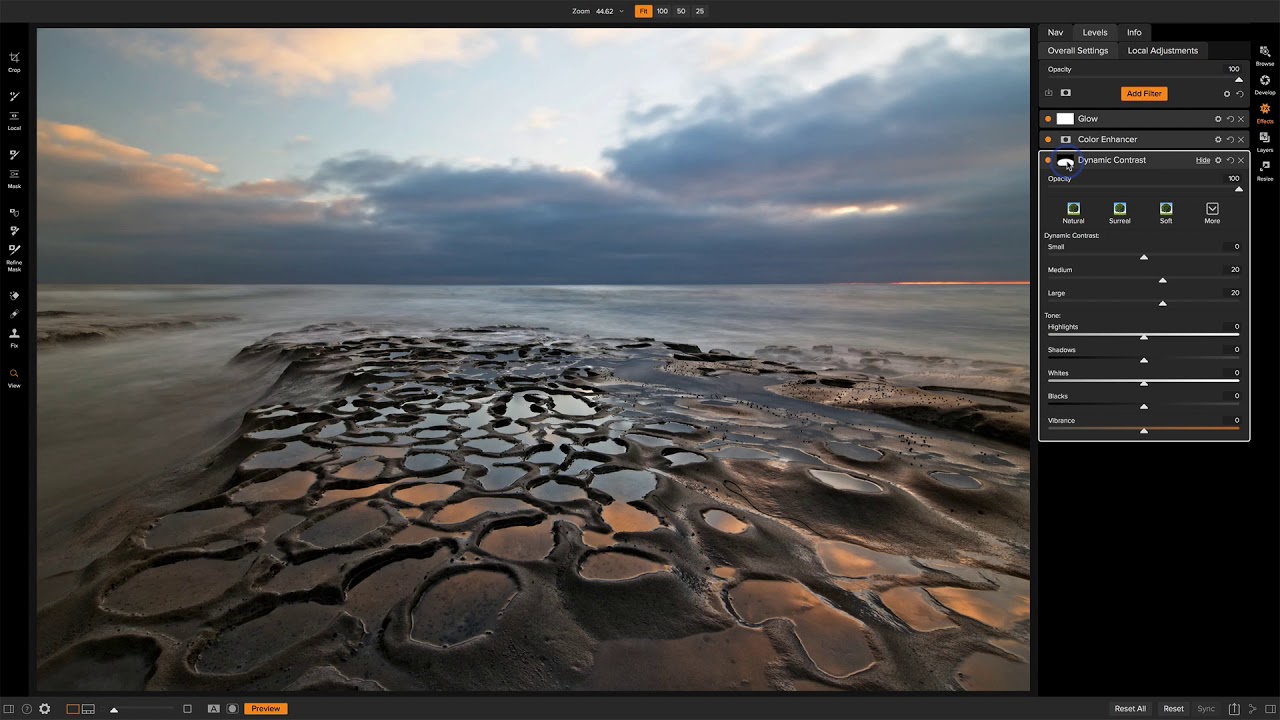
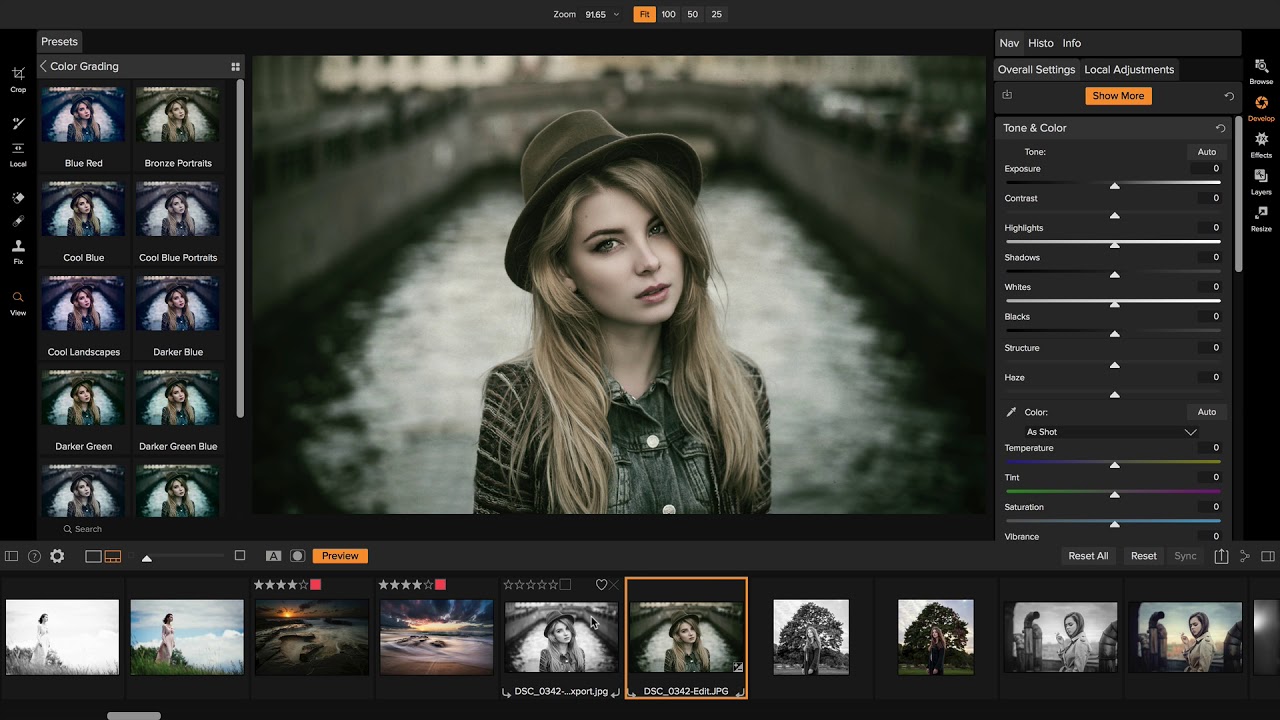
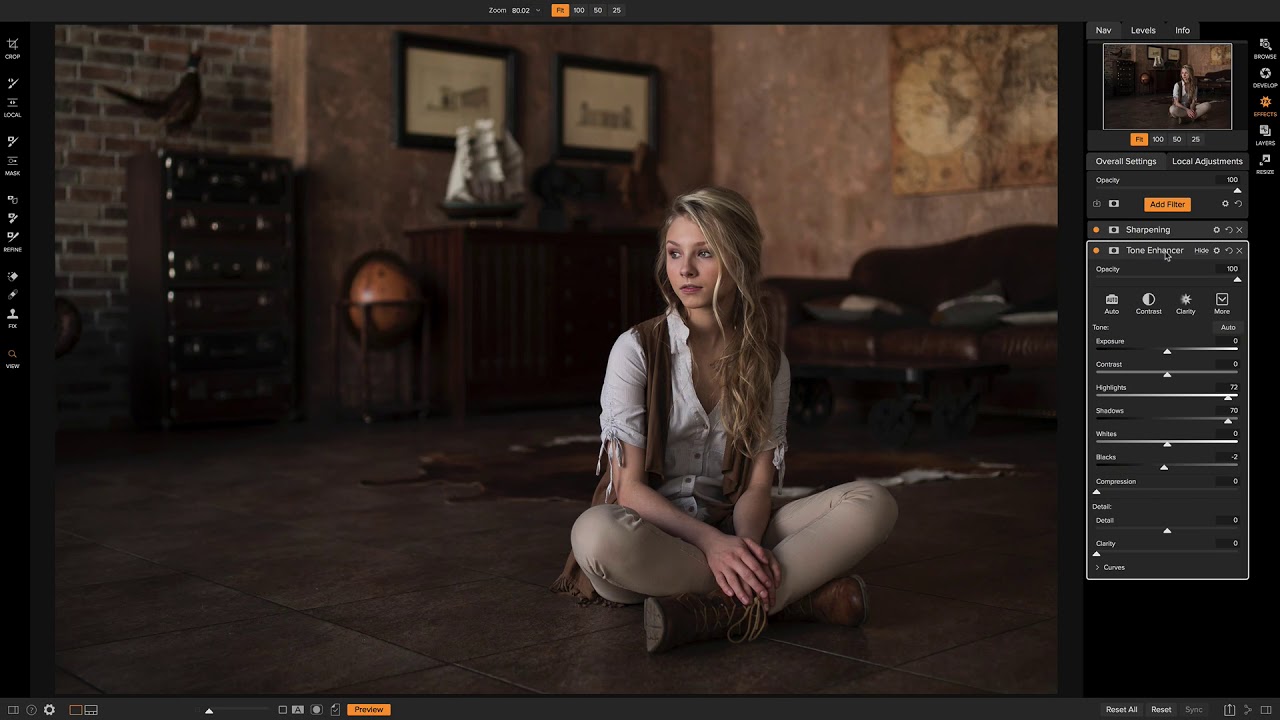
Get off on the right foot by watching this essential tutorial. You'll learn the benefits of PhotoTool and see examples of the wide range of effects.
Genuine Fractals Introduction
Get an overview of the award-winning Genuine Fractals 5 plug-in for Photoshop.
Watch Now... Flash


Professional